Open it.
Launch a compatible app from Orbit, the dock, your panel or Home.
APP BUBBLES FOR ANDROID
Turn compatible Android apps into floating bubbles. Open favorites from your Edge Panel and keep notification bubbles within reach.
01 / STAY WITH WHAT YOU’RE DOING
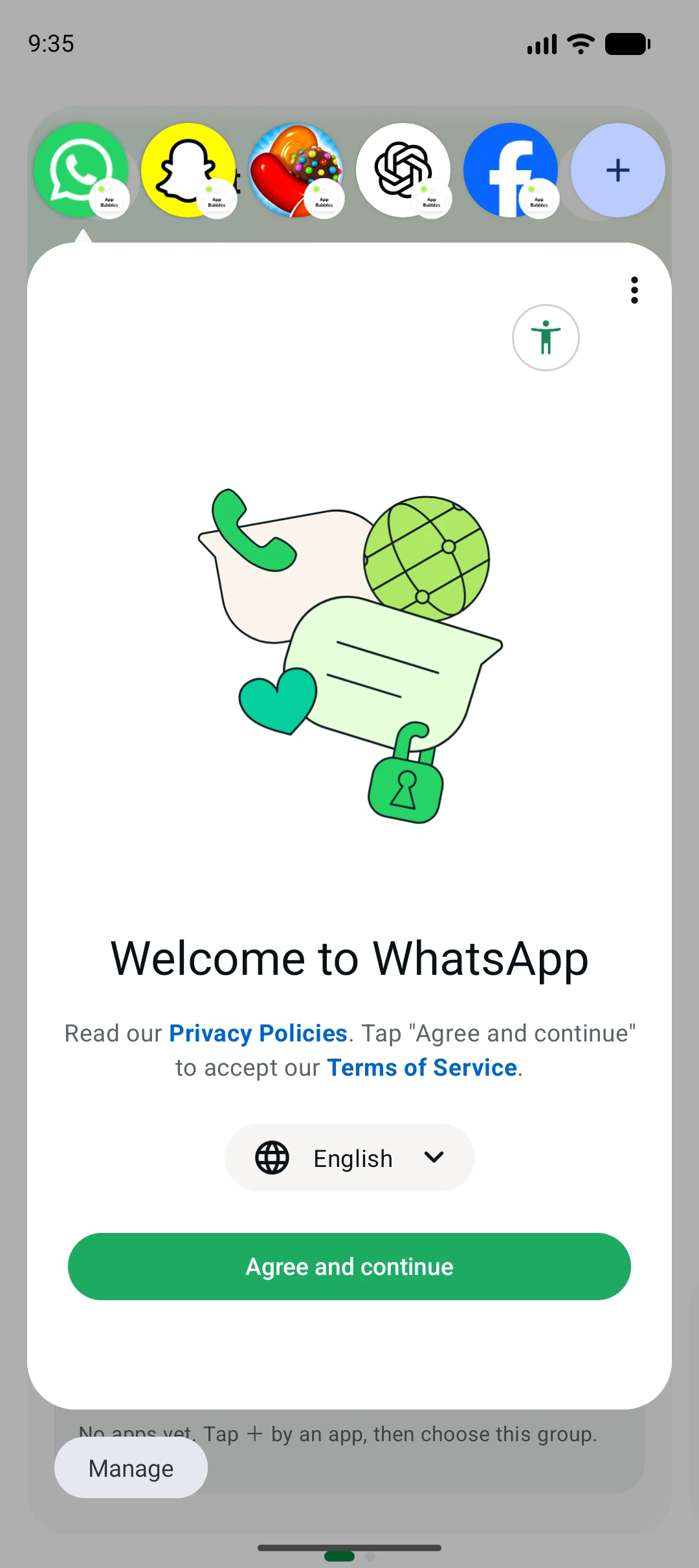
Multitask with app bubbles over your current screen.
Expand, collapse and switch between compatible Android apps.
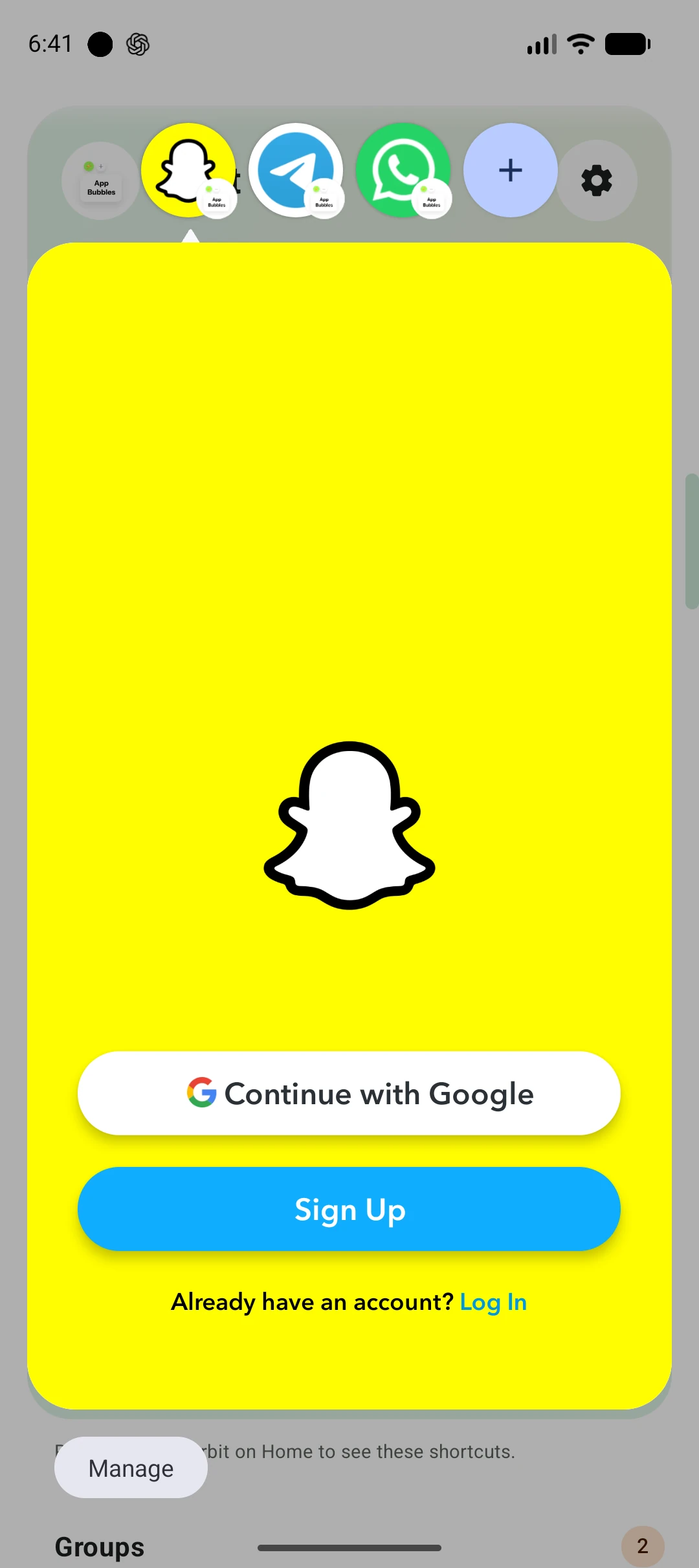
Your app is a tap away, while the rest stays underneath.
Launch a compatible app from Orbit, the dock, your panel or Home.
Collapse it into a Bubble when you need the screen back. Tap to expand again.
Switch from the Bubble row. Close one, or clear all open Bubbles from Orbit.
Bubble support depends on your device and the app you open. Some apps may open full screen.
02 / SHORTCUTS THAT MEET YOU WHERE YOU ARE
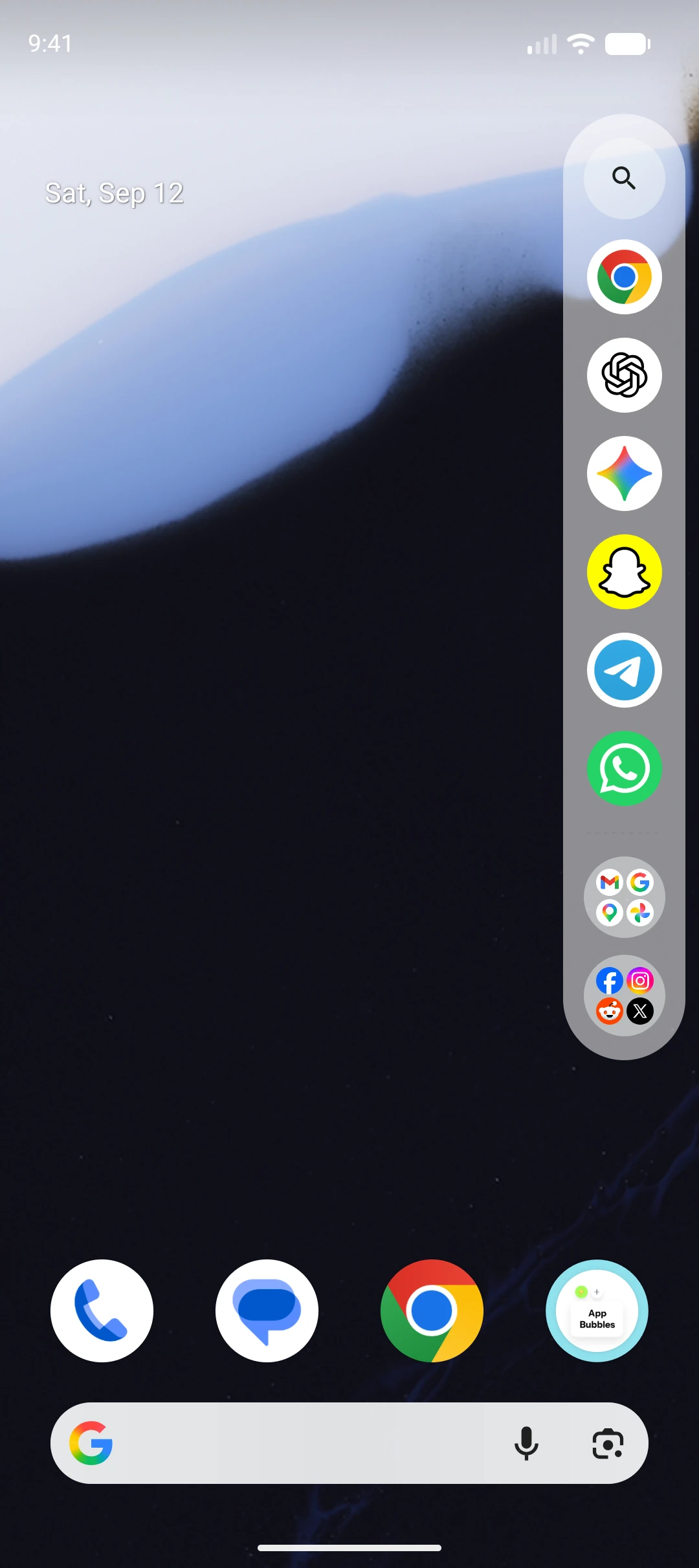
Open favorite apps and groups from a vertical Edge Panel, a two-column layout or a horizontal floating app dock. Swipe from the screen edge, or use Floating Stack for a movable shortcut to your apps.
Orbit Pro · Edge Panel and floating app dock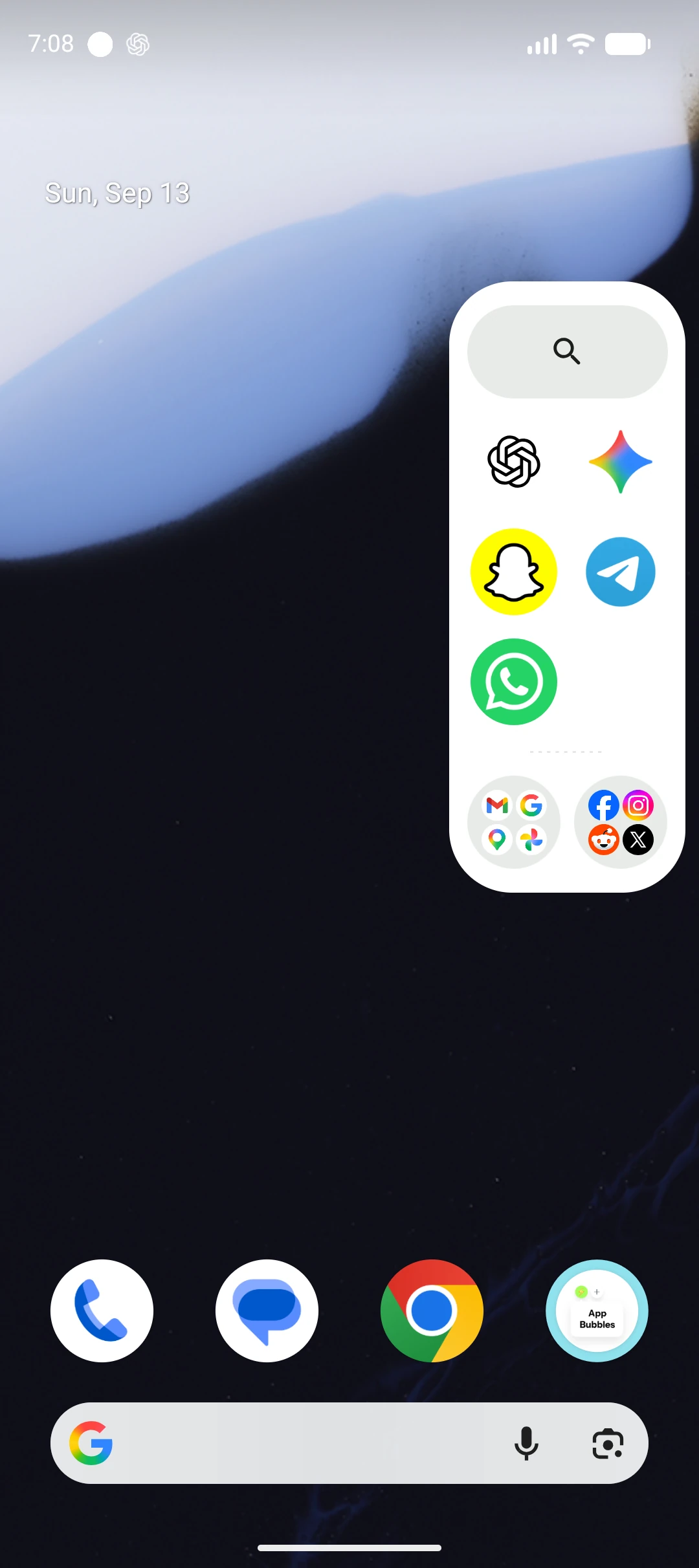
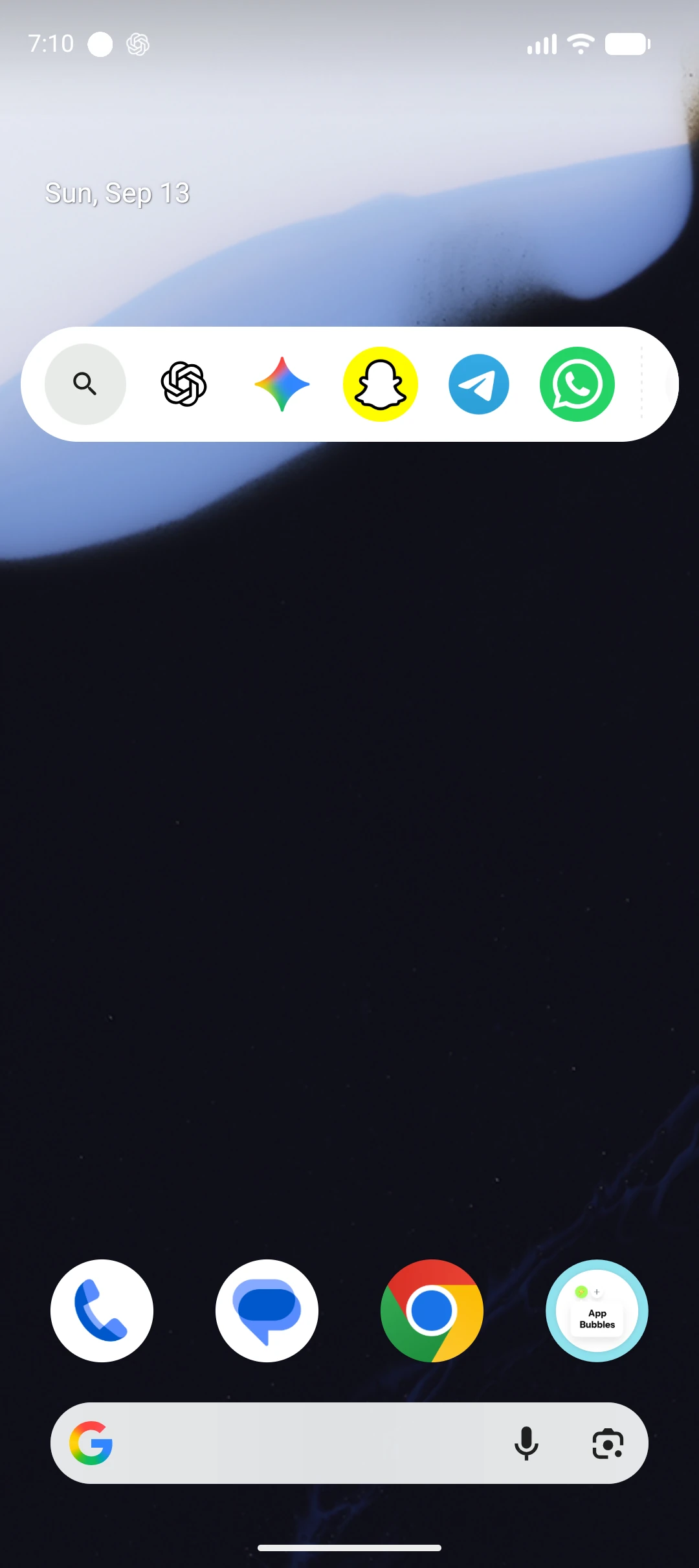
Vertical Edge Panel
Use app search in your Edge Panel to find an Android app without hunting across Home screens. Open compatible apps as floating bubbles and keep your favorites close.
Search built into your panel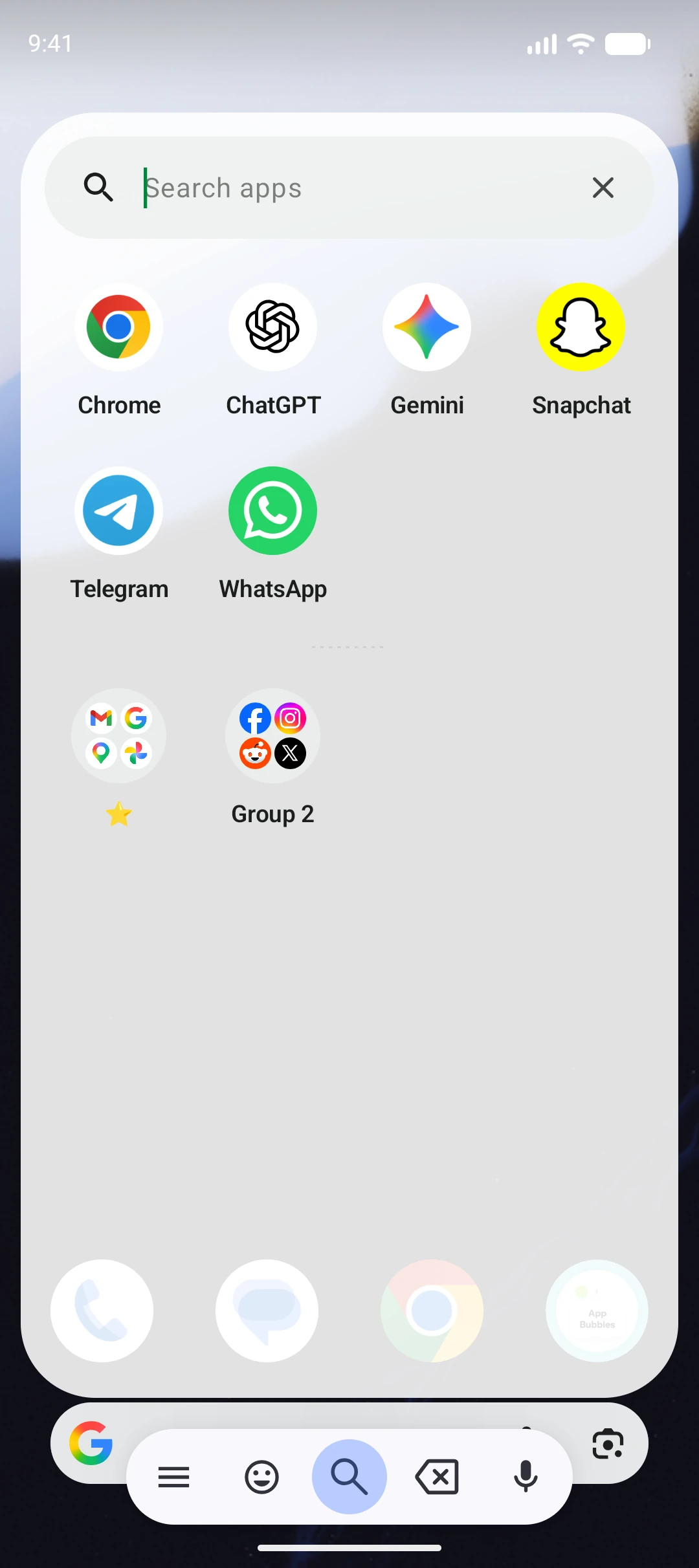
Your Quick launch row also lives in the notification shade. Tap an app to open it in a Bubble, or launch a group. Choose a permanent, dismissible or hidden dock in Settings.
2 apps free · Up to 8 with Pro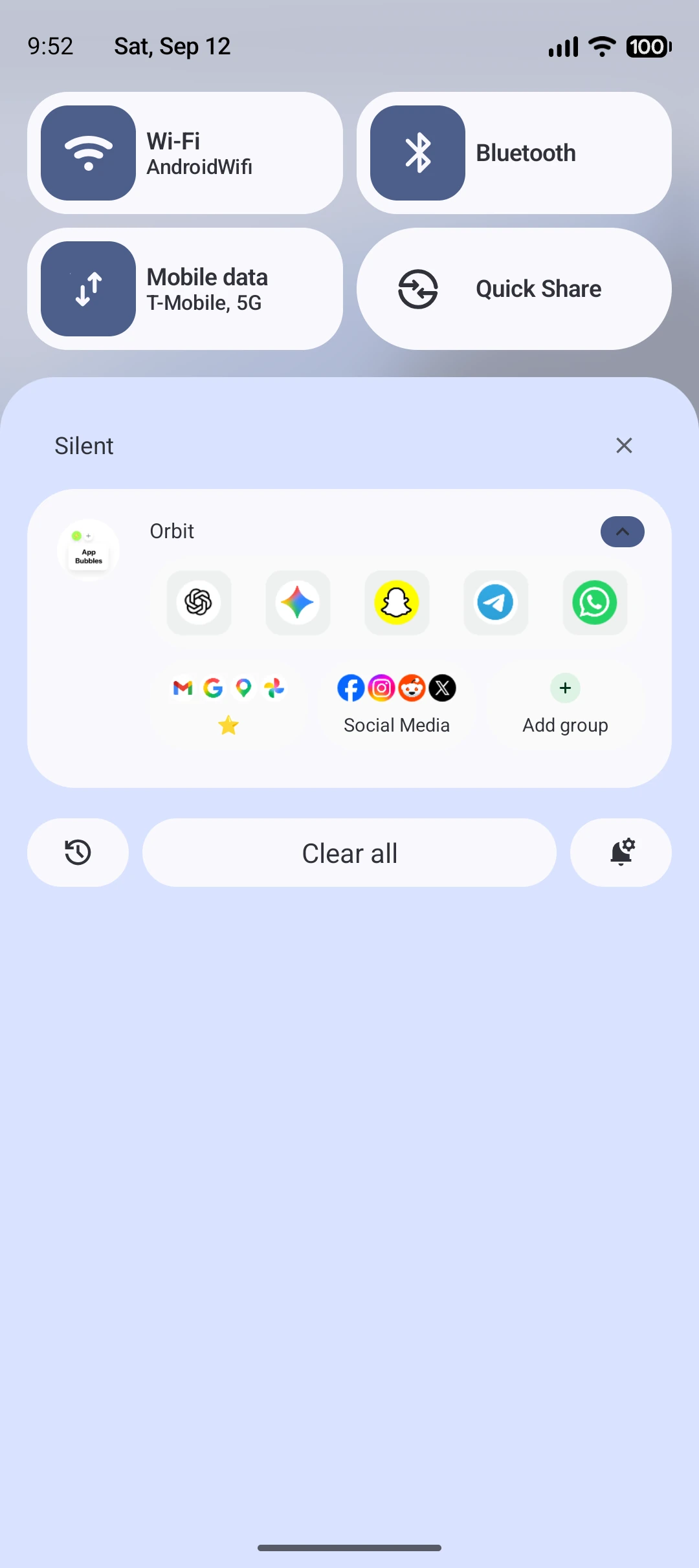
Keep individual apps and whole groups on your Home screen. With Pro, you can also pin a standalone shortcut that opens an app in a Bubble.
App shortcuts and groups in one widget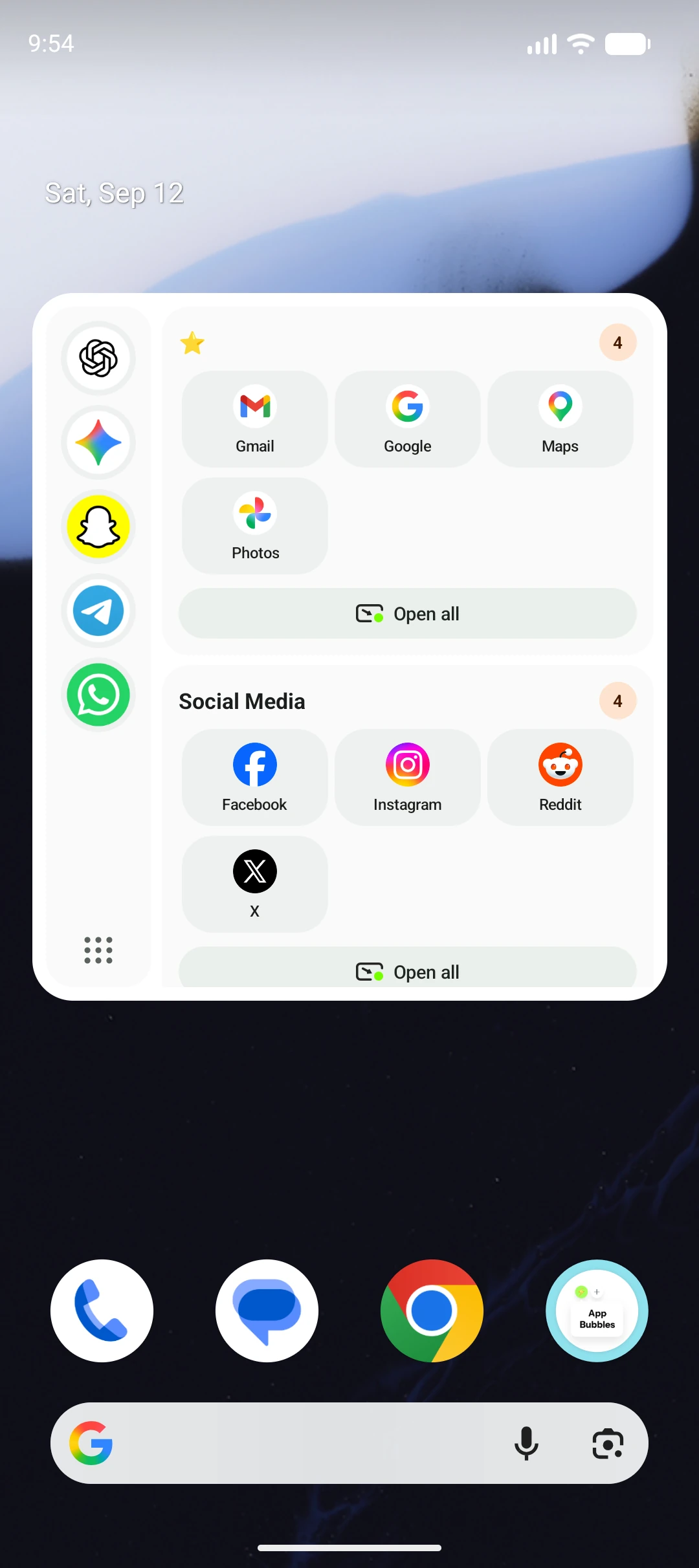
03 / A QUIETER WAY TO NOTICE
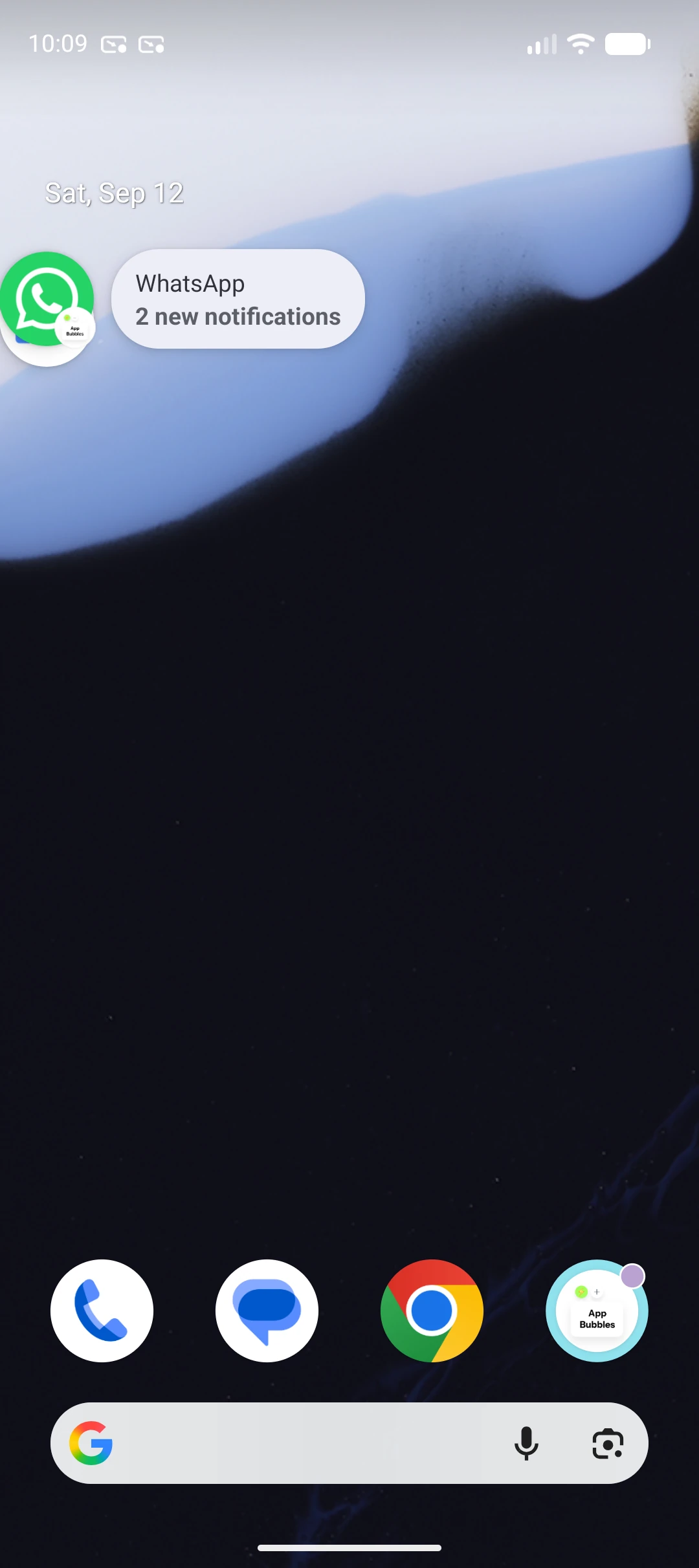
Get floating notification bubbles from selected apps, including compatible messaging and email apps.
See what’s new, then open the app when you’re ready.
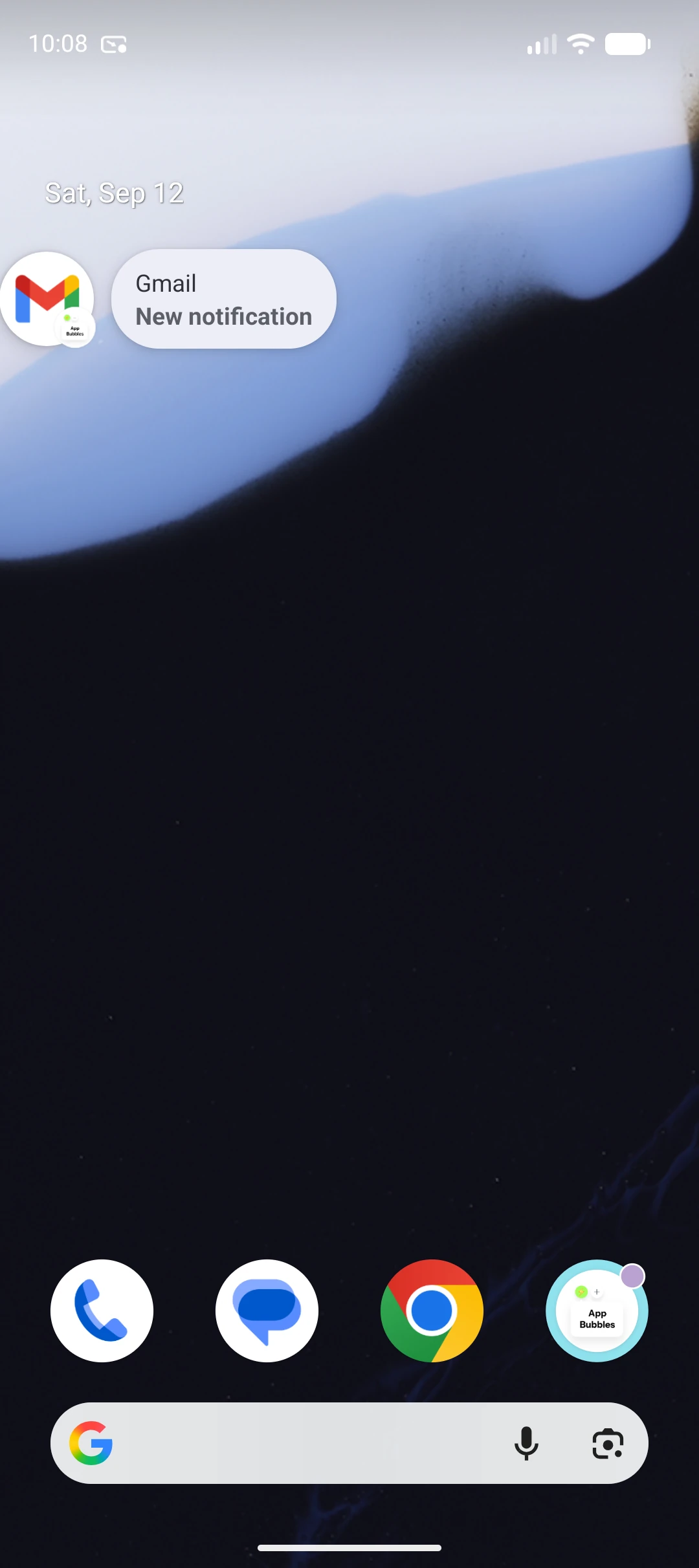
Select which apps can create notification Bubbles. Turn the feature off whenever you want.
Enable Preview per app to show notification text while your phone is unlocked. Leave it off for a simple new-notification alert.
Notification previews stay in memory for the current Bubble. Orbit does not save a notification history.
04 / READY TOGETHER
Mail, maps, photos and search. Keep the apps you use together in a group, then choose Open all to launch the set.
Reach your groups from the Edge Panel, notification dock or Home widget.
See Free and Pro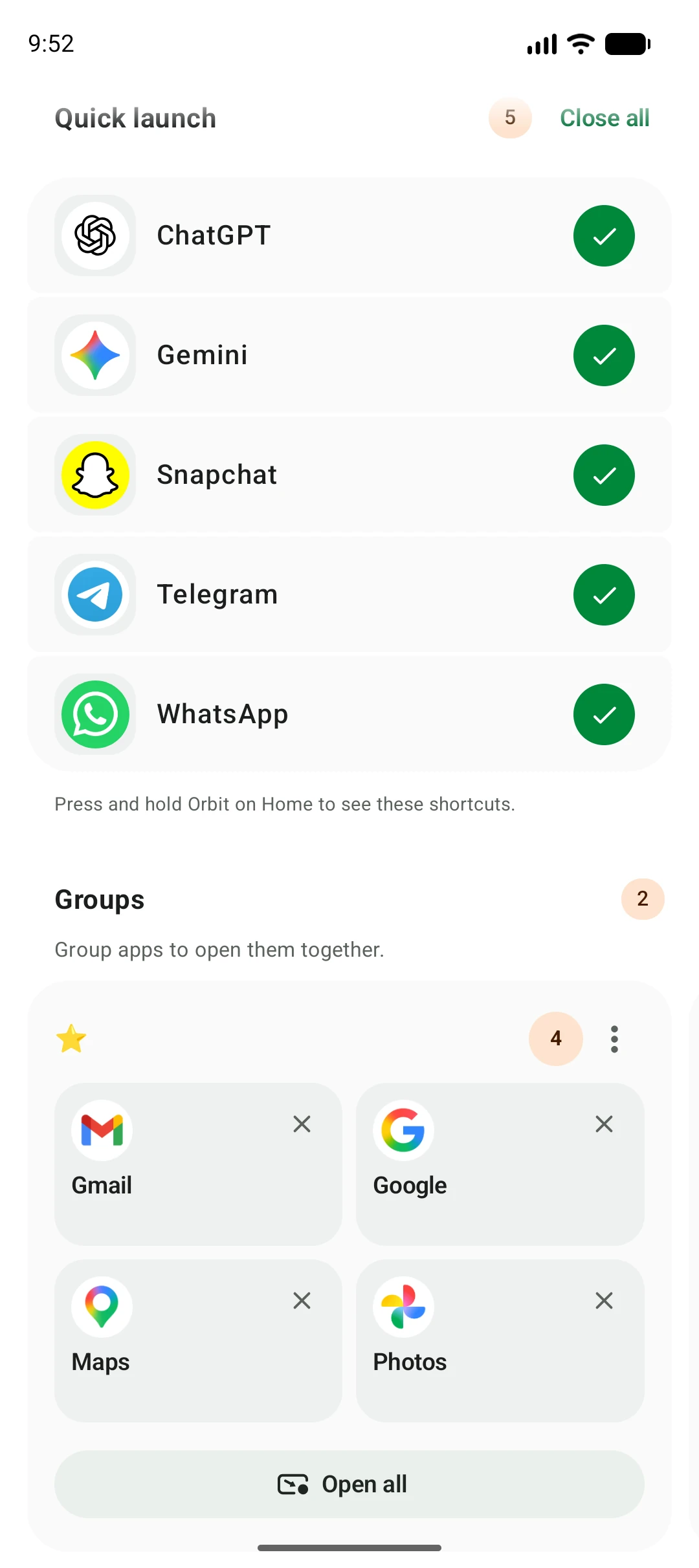
05 / MAKE ROOM FOR YOUR STYLE
Customize your Android Edge Panel with 13 color choices, adjustable opacity and flexible layouts. Place the handle on either screen edge or open your floating app dock from a movable stack.
App theme · White
06 / SMALL CONTROLS. A BIG DIFFERENCE.
Search by app name or package. Filter your list by All, Open or Hidden.
Keep unwanted or incompatible apps out of the way. Bring them back from Hidden whenever you need them.
Close an individual Bubble or choose Close all for a fresh start.
07 / SET UP ONCE. STAY IN YOUR FLOW.
Use the links in Orbit Settings to open Android’s permission screens. Names and locations can vary by Android version and phone manufacturer. You can change these choices later.
THE FINISHING TOUCHES
Choose how your shortcuts appear and what your notification Bubbles show.
Android grants notification access to Orbit’s listener. Choosing apps and enabling Preview are controls within Orbit, rather than separate Android permissions. Read the Orbit privacy policy for how the feature filters notifications and handles previews.
Settings names can differ across Android versions and devices. These Google guides explain Android’s controls; Orbit features depend on your installed version.
START SIMPLE. GO FURTHER.
Start with the essentials.
Unlock more ways to keep your apps close with Orbit Pro.
| What’s included | Free | Orbit Pro |
|---|---|---|
| Open compatible apps in Bubbles | Included | Included |
| Quick launch apps in the shade | 2 apps | 8 apps |
| App groups | 1 group · 2 apps | Unlimited groups · 4 apps each |
| Edge Panel & Floating Stack | — | Included |
| Bubble on notification & optional previews | — | Included |
| Pinned Home screen Bubble shortcuts | — | Included |
Monthly, yearly and one-time lifetime options are available in the app. Google Play shows pricing and available offers for your region.
GOOD TO KNOW
Orbit runs on Android 11 and later. Bubble behavior depends on your device, Android version and the app you open. Apps that cannot run in a Bubble may open full screen. You can hide these apps in Orbit.
No. Orbit uses Android’s Bubble APIs. You can keep your current launcher. Enable notifications and allow Bubbles in Android Settings to get started.
Basic Bubbles need notifications and Android’s Bubble setting. Edge Panel and Floating Stack need permission to display over other apps. Bubble on notification needs notification access, and optional previews read the selected app’s notification title and text.
Yes. Choose the apps first, then enable Preview separately for any app whose notification text you want to see. The default alert tells you there is something new. Previews are not read while the phone is locked.
No. Orbit is an independent app, not a Google product or an Android system update. It uses supported Android Bubble features and does not unlock Android 17 system features on other Android versions.
ORBIT: APP BUBBLES (MULTITASK)